SM - Machine Status And User Accounts
Solution Manager: Machine Status and User Accounts
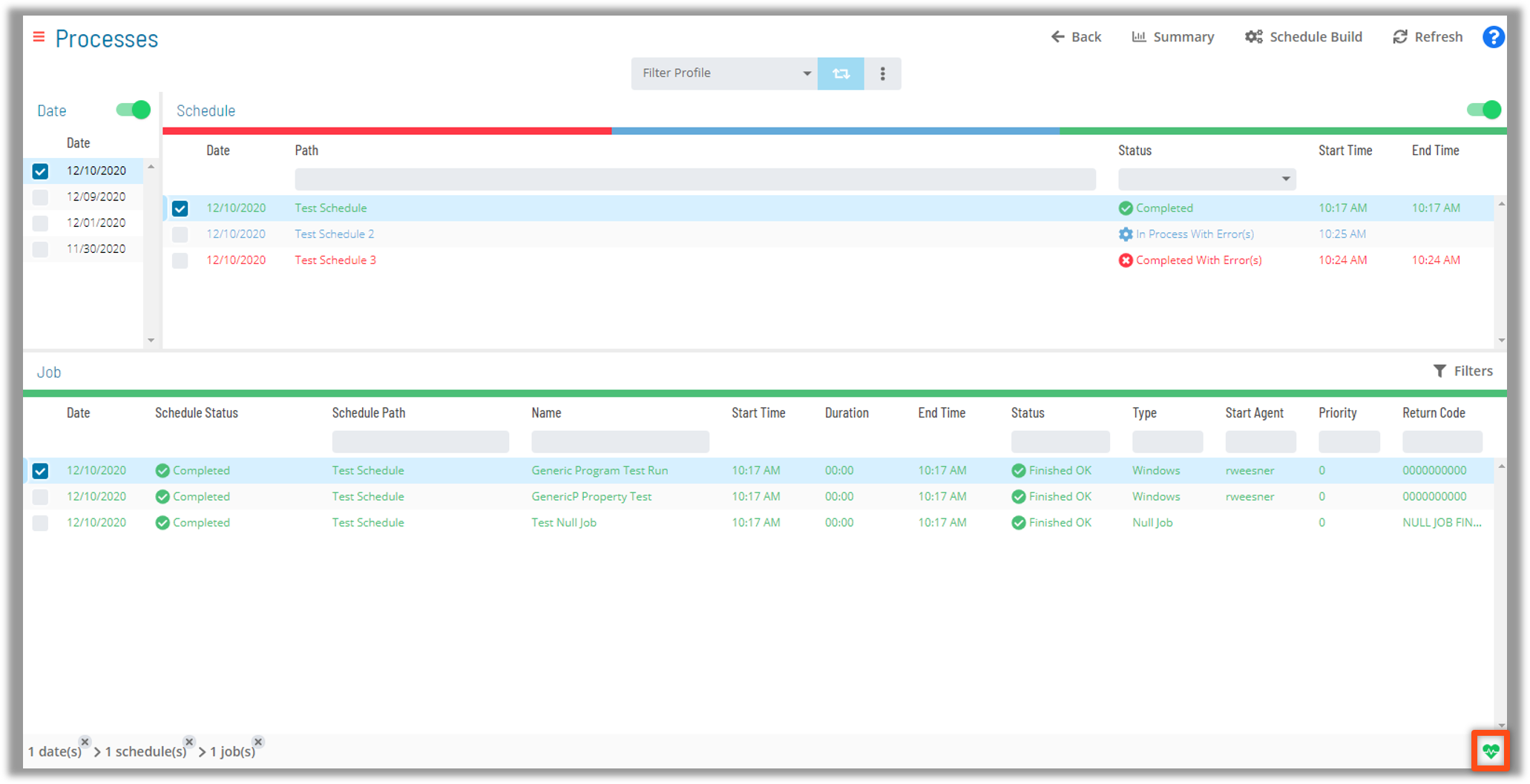
- Machine Status can be determined by the heart icon in the bottom right hand corner of the screen
- Selecting the icon will display all Agents and their status
- Machines can be bulk selected for status updates
- As with Schedule and Status Updates, only options available to a machine will be configurable
Select Machines

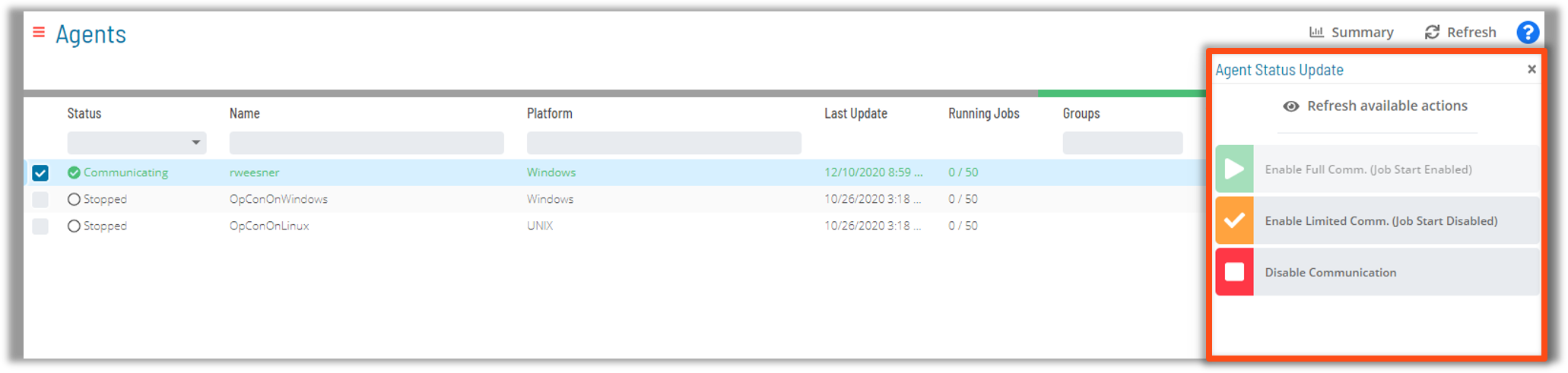
Machine Status
- Right-click Machines and available actions appear
- If multiple Machines are selected, Actions on those Machines can happen at once
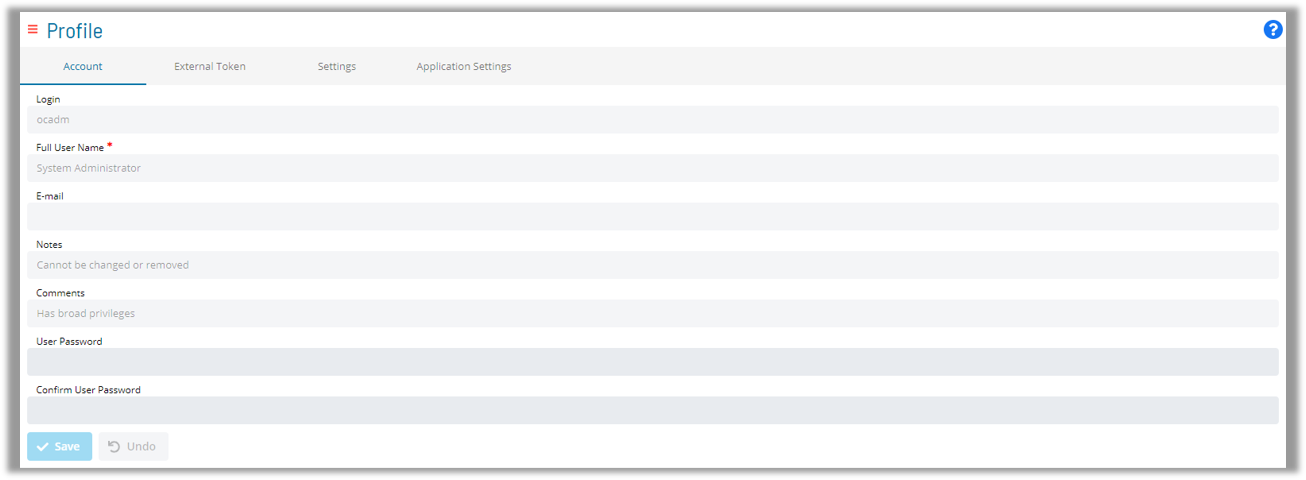
User Accounts
OpCon User Account settings can be managed from Solution Manager:
- Update Passwords
- Change email address
- Add Notes or Comments