Application Help
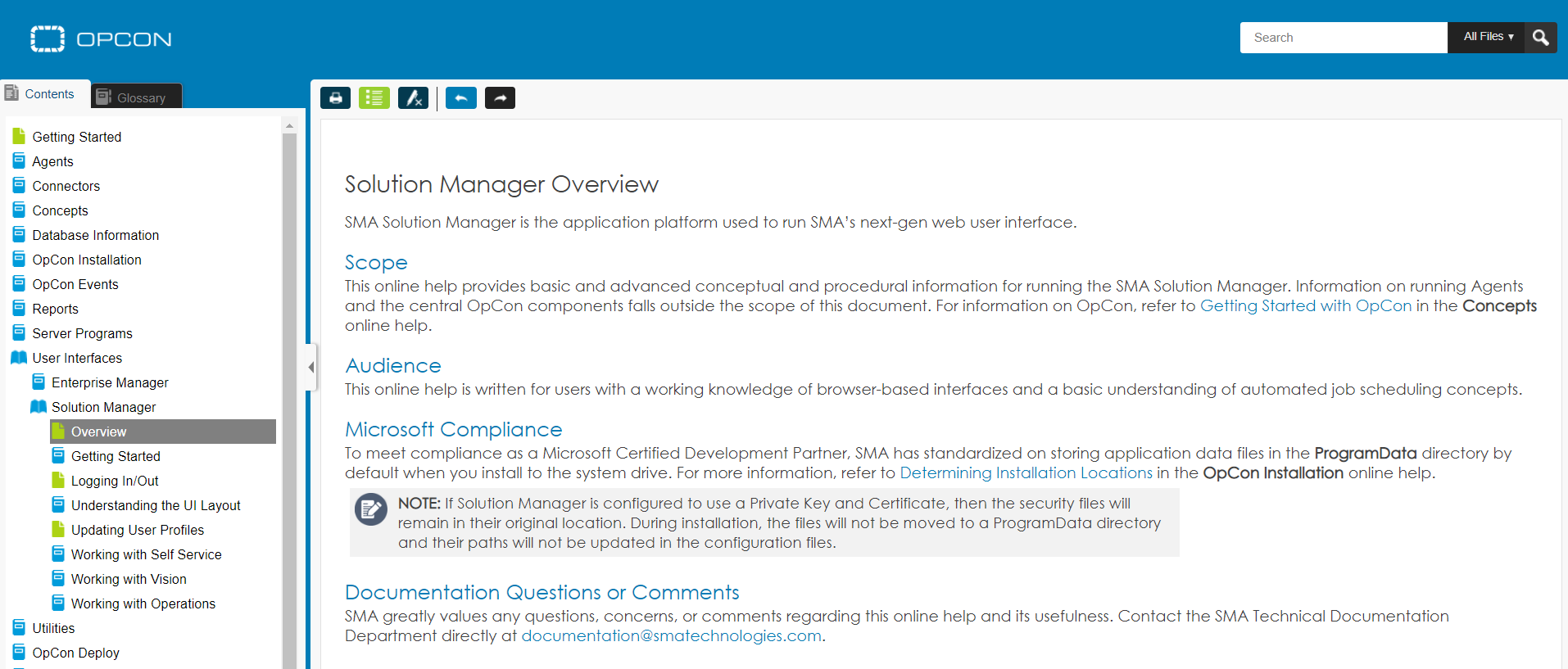
Solution Manager includes built-in web-based help that opens context-specific documentation for the current page. The help content covers the entire OpCon product suite.
Accessing Application Help
To open help, use either of the following methods:
- Select the Help button
 in the toolbar at the top of the page.
 - Press Ctrl+Alt+H.
The help documentation opens in a new browser window or tab, displaying content relevant to the page you are currently viewing. If no context-specific topic is available, the Solution Manager home documentation opens.
note
You may need to disable your browser pop-up blocker to open help in the browser window.