Overview
Theme: Overview
Who Is It For? System Administrator, Automation Engineer
What Is It?
Library provides options for Administration, Management, and Security. Use the selection bar on the left to navigate these options.
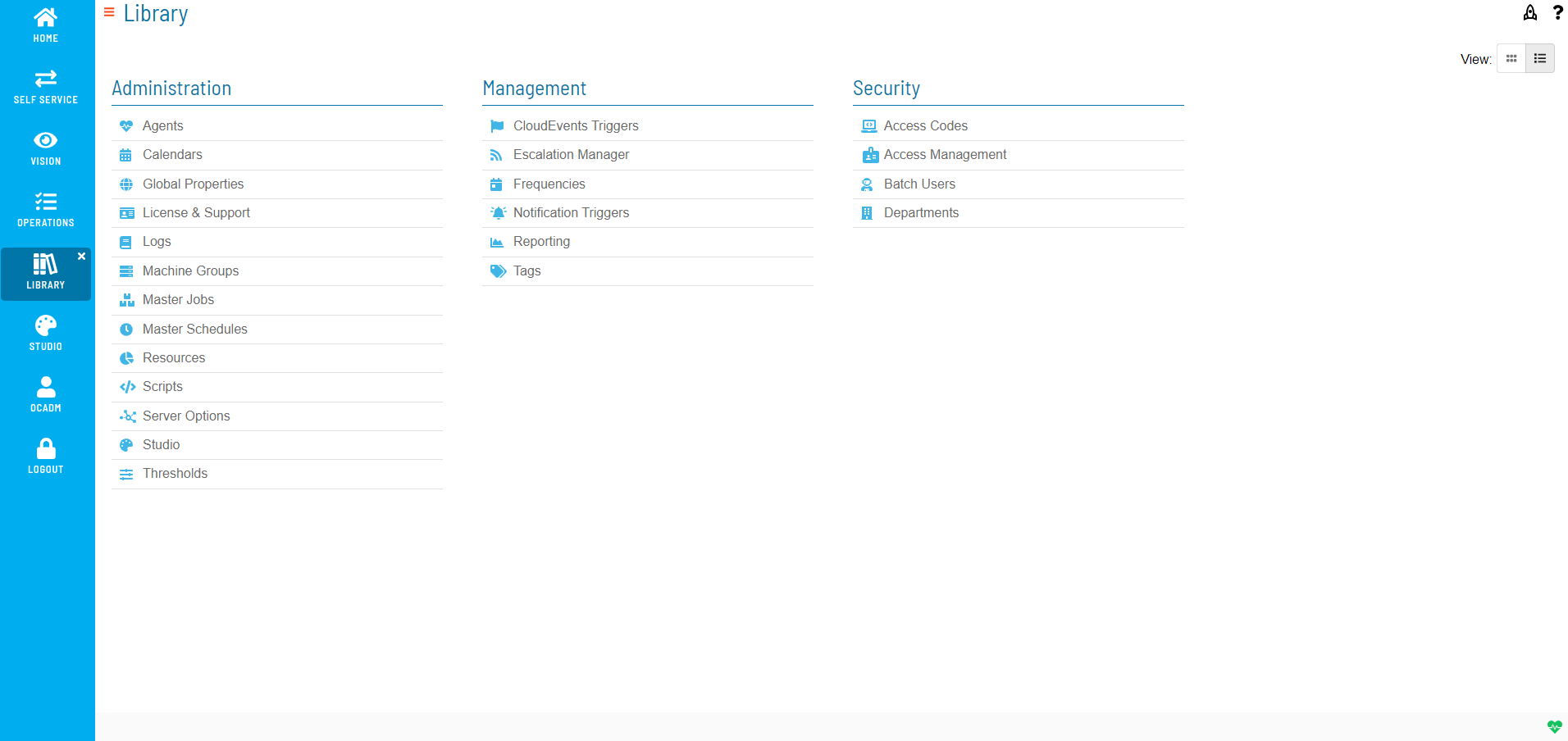
Use the bar on the left side of the screen
Please check back for more content.
FAQs
Q: What does Overview do?
title: Managing Library
Q: Where can you find Overview in OpCon?
Access Overview through the appropriate section in the Enterprise Manager or Solution Manager navigation.
Glossary
Enterprise Manager (EM): OpCon's rich client graphical user interface for Windows and Linux, used to define schedules and jobs, manage automation data, and perform operational tasks.
Solution Manager: OpCon's browser-based graphical user interface for managing automation data, performing operational actions, and administering the system.
Resource: A numeric variable in OpCon representing a finite pool. Jobs can be configured to require a set number of resource units to run, limiting concurrent executions and preventing resource contention.
OpCon: Continuous' workflow automation platform. The OpCon server includes the database, SAM and Supporting Services (SAM-SS), and graphical user interfaces. agents installed on target platforms run jobs and report results.