Forecasting Frequencies
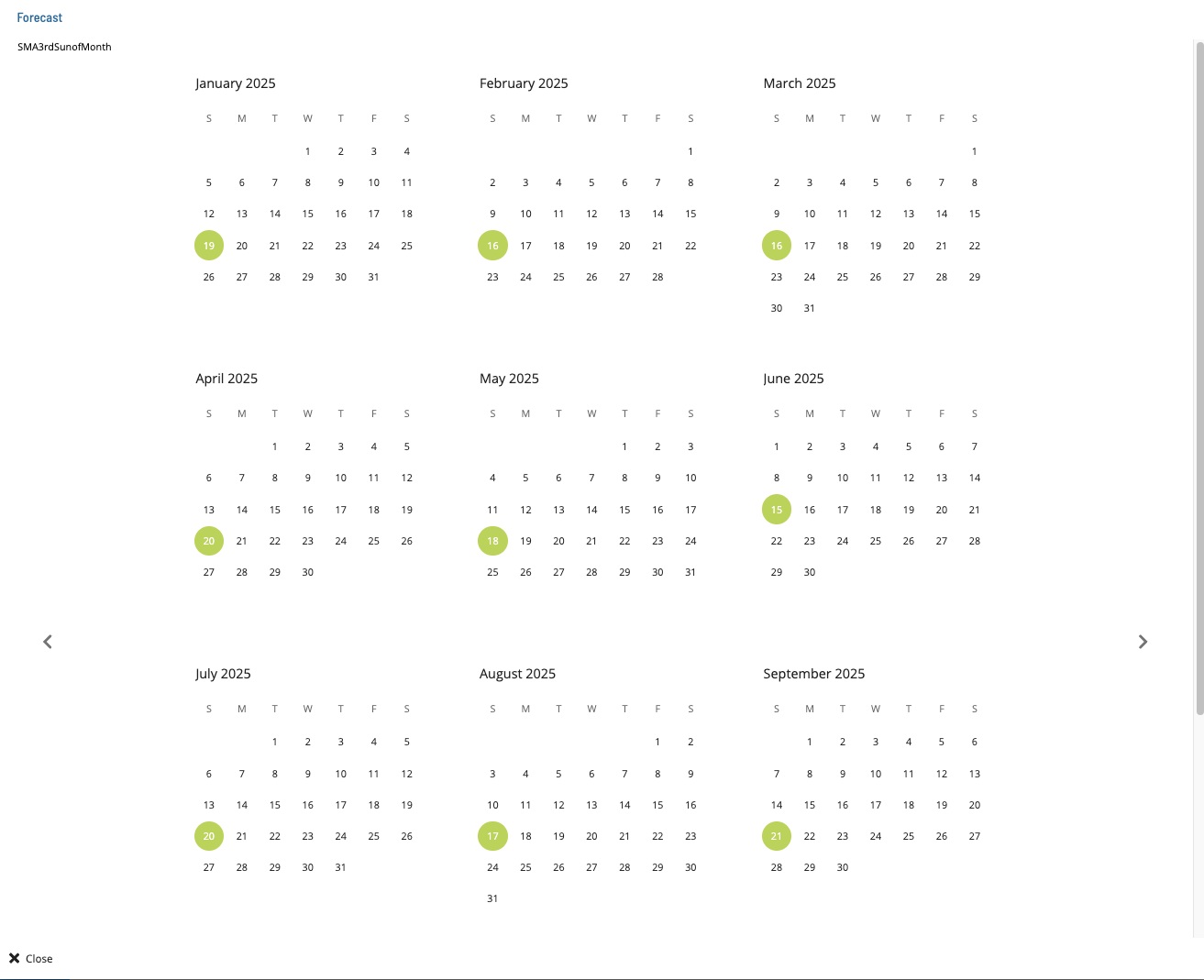
The Forecast feature lets you preview which dates a frequency will include or exclude over a calendar year. Use this to verify frequency rules before applying them to jobs or schedules.
Forecast a frequency
To forecast a frequency, complete the following steps:
- Go to Library > Frequencies.
- Select the frequency you want to preview.
- Select Forecast in the toolbar.
- Review the yearly calendar in the Forecast dialog. Included dates and excluded dates are highlighted in different colors.
- Select the left or right arrow button to move to the previous or next year.
- Select Close to close the dialog.
Result: The Forecast dialog closes and you return to the Frequencies list.