Forecasting Frequencies
Theme: Configure
Who Is It For? System Administrator, Automation Engineer
What Is It?
To forecast Frequencies in Solution Manager, complete the following steps:
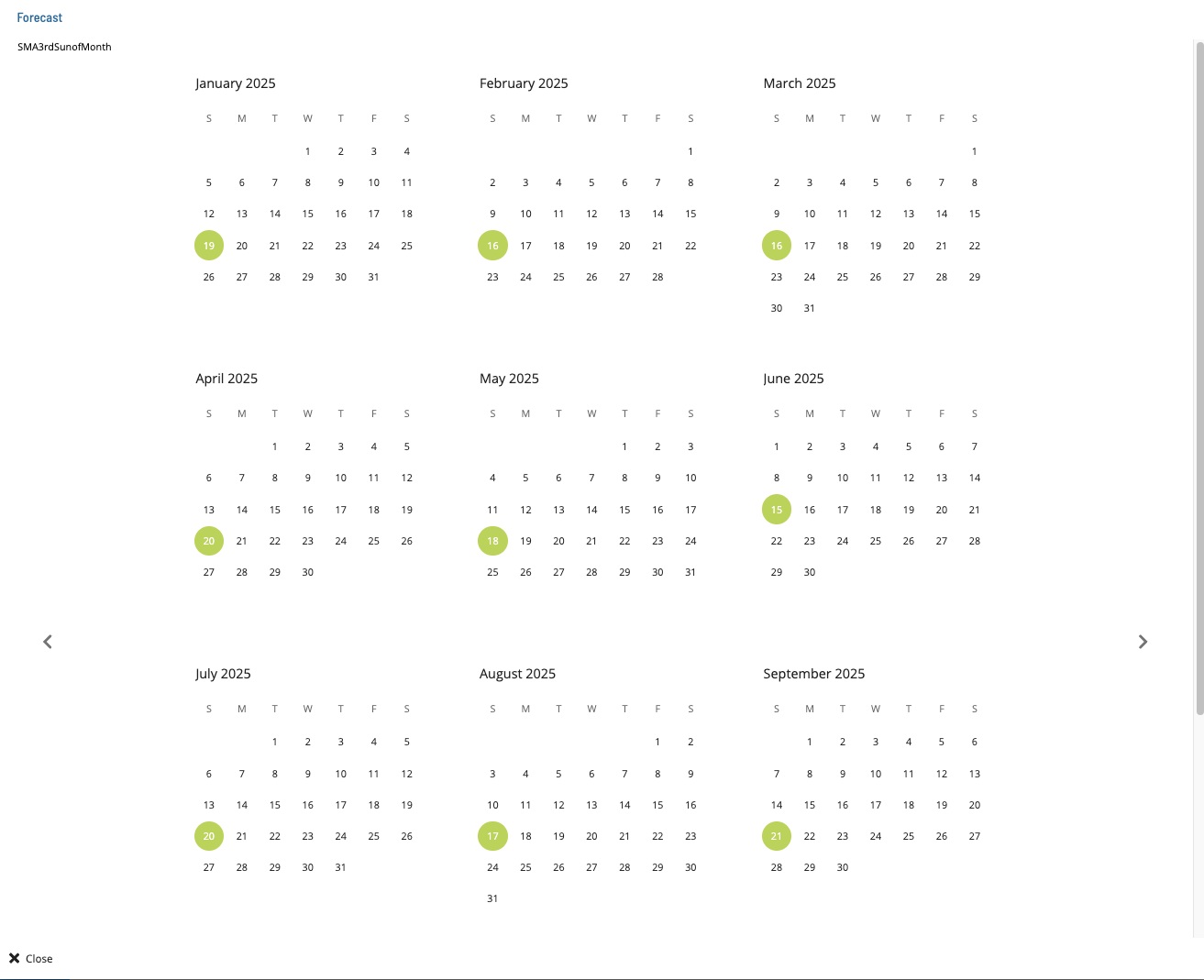
- Select a frequency and select the Forecast button. The Forecast dialog displays
- The dialog shows the frequency name and a yearly calendar with included and excluded dates highlighted
- Use the previous and next buttons to navigate through years
- Select Close to close the dialog
FAQs
Q: How many steps does the Forecasting Frequencies procedure involve?
The Forecasting Frequencies procedure involves 4 steps. Complete all steps in order and save your changes.
Glossary
Frequency: A set of rules that defines when a job or schedule is eligible to run, based on calendar rules, day-of-week settings, period offsets, and other timing criteria.
Calendar: A named collection of dates in OpCon used by schedules and frequencies to determine when automation runs or is excluded. Calendars can represent holidays, working days, or any custom date set.
Resource: A numeric variable in OpCon representing a finite pool. Jobs can be configured to require a set number of resource units to run, limiting concurrent executions and preventing resource contention.