Managing Master Schedules
A master schedule is the template definition of a schedule that OpCon stores in its master tables. During schedule build, OpCon copies the master schedule into the daily tables to create that day's automation. Changes you make to a master schedule affect future builds but do not change daily schedules that are already built.
Use master schedules to:
- Group related jobs into a single business process.
- Define the build settings, start time, work days, and holiday handling that apply each time the schedule is built.
- Control whether multiple instances of the same schedule can run, and whether the schedule is a sub-schedule called by a Container job.
A master schedule must exist before any job can be defined within it. For the field-by-field meaning of each schedule setting, refer to Schedules in the Concepts online help.
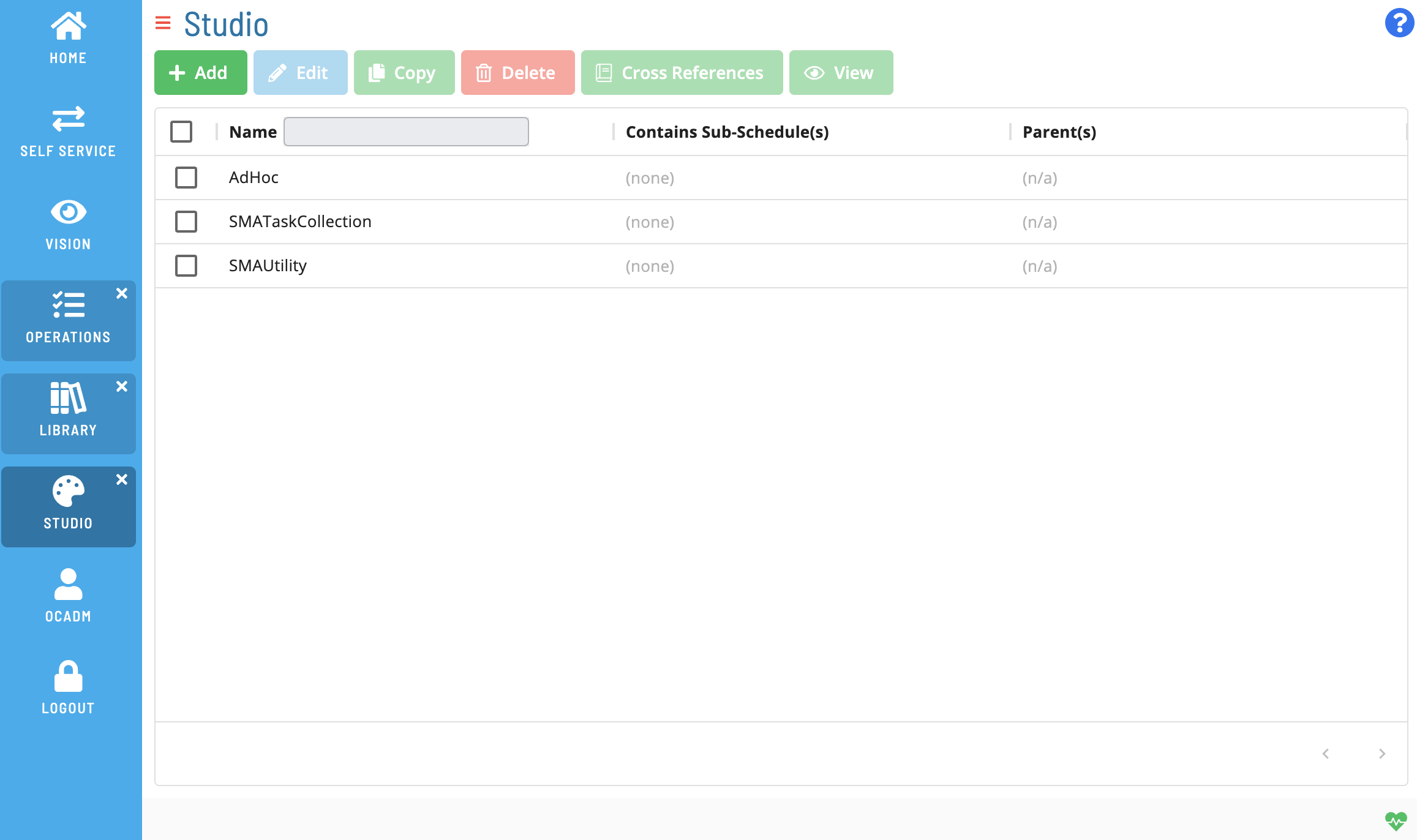
Master Schedule List
The master schedule list displays all master schedules defined in your OpCon environment. Each row represents one master schedule. Sub-schedules are excluded from this list.
You can sort the list by Name and filter it using the following criteria:
| Filter | Description |
|---|---|
| Name | Shows only master schedules whose name matches the pattern you enter. |
| Auto-build | Shows only master schedules that have auto-build enabled or disabled. |
| Multi Instance | Shows only master schedules that allow, or do not allow, multiple concurrent instances. |
Master Schedule Tasks
| Task | Description |
|---|---|
| Adding Master Schedules | Create a new master schedule definition, including its name, settings, start time, work days, holiday calendar, and build settings. |