Copying Users
Theme: Configure
Who Is It For? System Administrator, Automation Engineer
What Is It?
Use this procedure to copy Users in Solution Manager.
Administration
Required Privileges
To copy a user, you must have at least one of the following privileges:
- System Administrator
- All Function Privileges
- All Administrative Functions
Copying a User
The Access Management page is found in Library > Access Management.
Email is required if Server Options -> Security -> "Ask user to enter a recovery email address upon login" is enabled.
To copy a user, complete the following steps:
- Select the user to copy from the users list
- Select the context menu button

- Select Create a new user
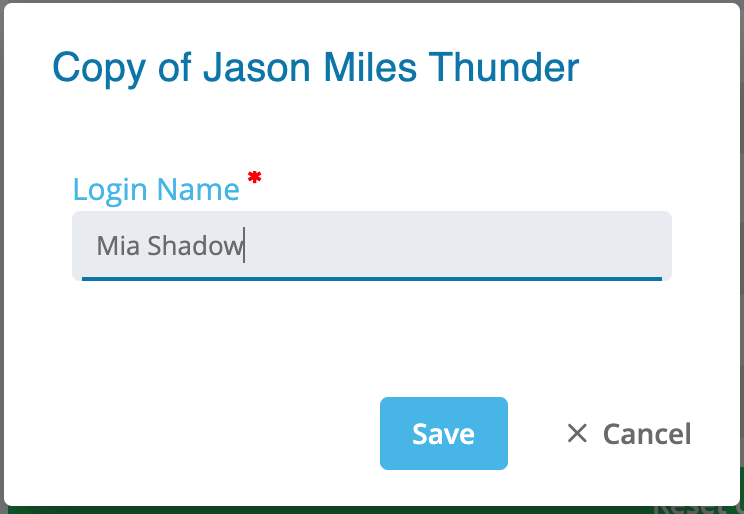
- Enter the user information in the User Details dialog
- Select Save to add the user or Cancel to dismiss the dialog
FAQs
Q: Why would you copy users instead of creating a new one?
Copying users is useful when you want to reuse an existing configuration as a starting point. All settings from the original are duplicated, and you can then modify the copy as needed.
Q: Does copying users require a new unique name?
Yes. The copy must be saved with a new unique name to distinguish it from the original users record.
Glossary
Resource: A numeric variable in OpCon representing a finite pool. Jobs can be configured to require a set number of resource units to run, limiting concurrent executions and preventing resource contention.
Privilege: A specific permission granted through an OpCon role that controls access to a feature, function, or object type. Privileges are organized into categories such as Function Privileges, Machine Privileges, Schedule Privileges, and Access Codes.