Deleting Users
Theme: Configure
Who Is It For? System Administrator, Automation Engineer
What Is It?
Use this procedure to delete Users in Solution Manager.
Administration
Required Privileges
To delete a user, you must have at least one of the following privileges:
- System Administrator
- All Function Privileges
- All Administrative Functions
Deleting a User
The Access Management page is found in Library > Access Management. Select the Users tab to see all users in the system.
The ocadm user cannot be deleted.
To delete a user, complete the following steps:
- Select the user to delete from the users list
- Select the context menu button

- Select Delete the selected user
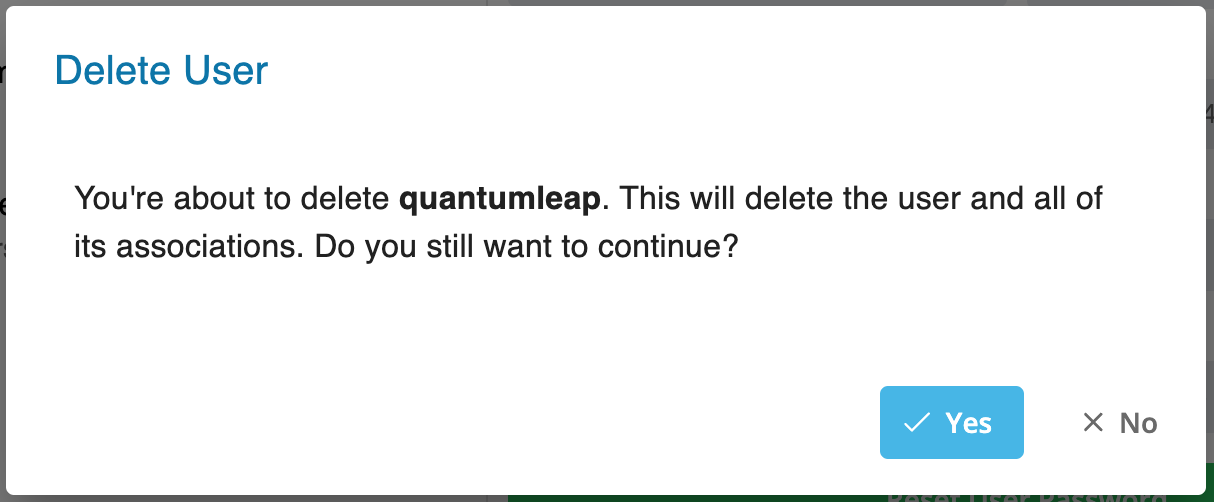
- Select Yes to confirm deletion or No to cancel
FAQs
Q: Can a users record be recovered after deletion?
No. Deleting a users record permanently removes it from OpCon. Verify the record is no longer needed before deleting it.
Q: How many users records can you delete at once?
Select the specific users record you want to delete, then select the Delete button on the toolbar. Confirm the deletion when prompted.
Glossary
Resource: A numeric variable in OpCon representing a finite pool. Jobs can be configured to require a set number of resource units to run, limiting concurrent executions and preventing resource contention.
Privilege: A specific permission granted through an OpCon role that controls access to a feature, function, or object type. Privileges are organized into categories such as Function Privileges, Machine Privileges, Schedule Privileges, and Access Codes.
OpCon: Continuous' workflow automation platform. The OpCon server includes the database, SAM and Supporting Services (SAM-SS), and graphical user interfaces. agents installed on target platforms run jobs and report results.