List Archive Files
Theme: Configure
Who Is It For? System Administrator, Automation Engineer
What Is It?
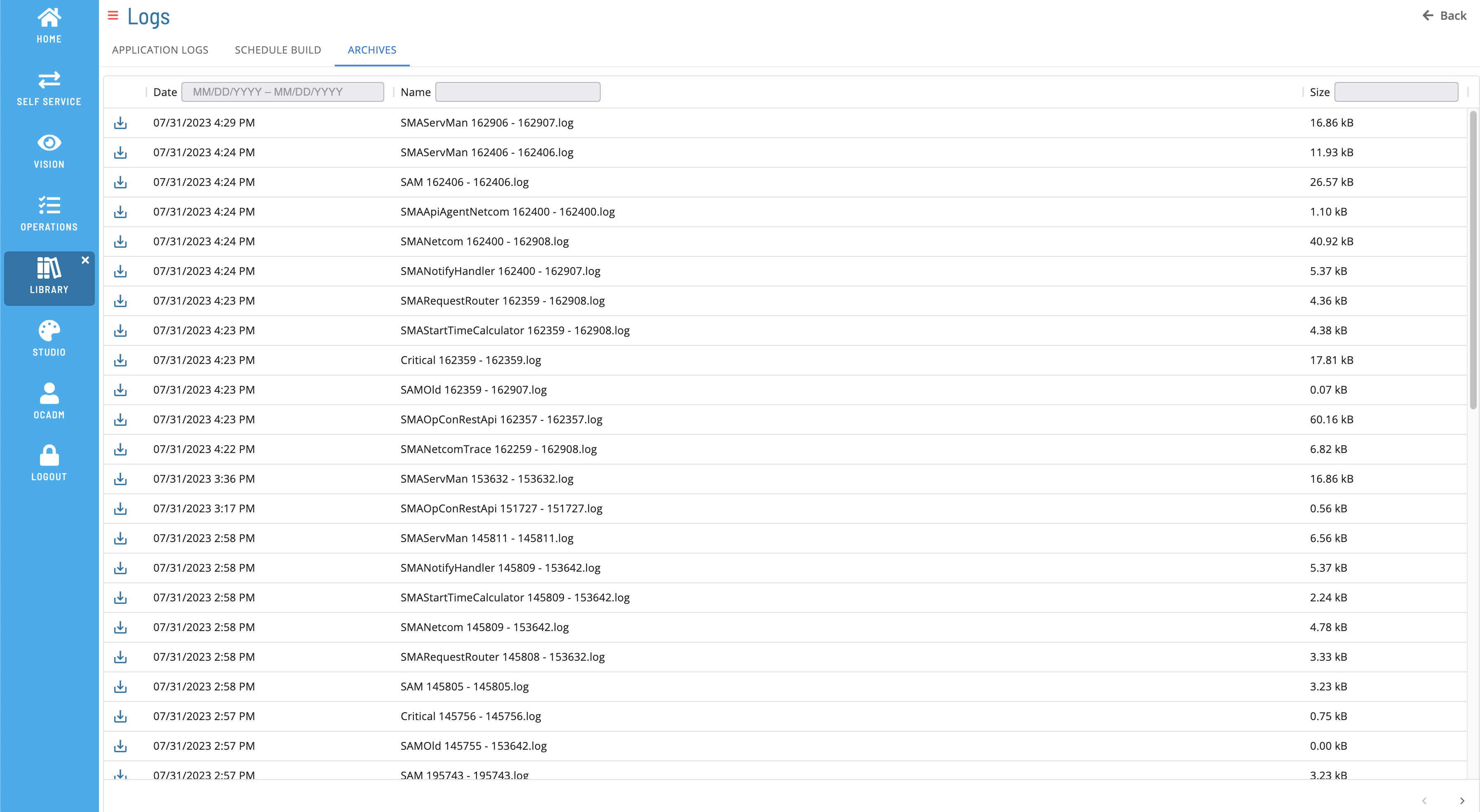
The Archives tab displays archived log files.
Filtering & Sorting
Filter and sort log files using the column headers. Filter by text in the Name or Size field (case insensitive), or enter a date range in the Date field.
Log File Details
Select a row to open the Log File Details page.
Download File
Select the download  button to download a copy of the log file.
FAQs
Q: What does List Archive Files do?
The Archives tab displays archived log files.
Q: Where can you find List Archive Files in OpCon?
Access List Archive Files through the appropriate section in the Enterprise Manager or Solution Manager navigation.
Glossary
Enterprise Manager (EM): OpCon's rich client graphical user interface for Windows and Linux, used to define schedules and jobs, manage automation data, and perform operational tasks.
Solution Manager: OpCon's browser-based graphical user interface for managing automation data, performing operational actions, and administering the system.
Resource: A numeric variable in OpCon representing a finite pool. Jobs can be configured to require a set number of resource units to run, limiting concurrent executions and preventing resource contention.
OpCon: Continuous' workflow automation platform. The OpCon server includes the database, SAM and Supporting Services (SAM-SS), and graphical user interfaces. agents installed on target platforms run jobs and report results.