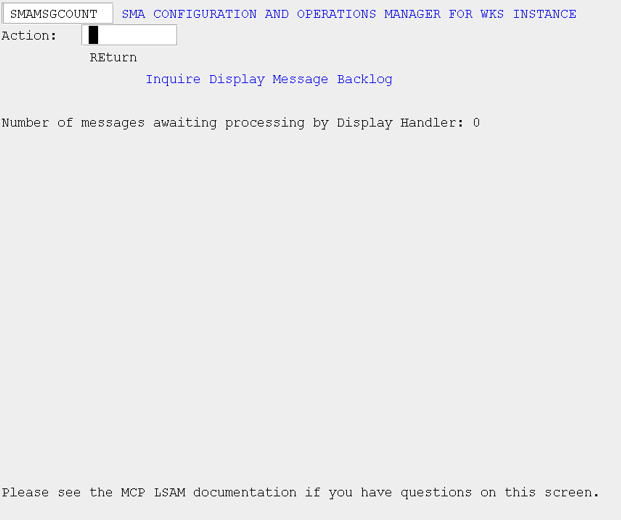
Inquire Display Msg Backlog (MSGCOUNT)
What is it?
The MSGCOUNT screen shows how many display messages are waiting to be processed by the Display Handler, which helps identify backlogs that could delay automated responses tied to those messages. A persistently high backlog suggests that message token definitions in the displays definition files may be too broad.
- Monitor the message queue depth to detect processing delays before they affect job response timing.
- Use the backlog count to guide a review of display message token definitions, replacing common tokens with more specific alternatives to reduce unnecessary matches.
Use this screen to inquire as to the backlog waiting to be processed by the Display Handler. A high number of messages awaiting processing may cause a delay in actions associated with a given message. If a large number of messages are consistently backlogged, it is prudent to analyze the display message definitions (*SMA/DISPLAYS and *SMA/DISPLAYS/SYSMSG) to determine if the defined tokens are fairly unique. Using a common message token, such as "ENTER" or "DATE" to select messages will cause a large number of messages to be selected for analysis.
SMA Configuration and Operations Manager: SMAMSGCOUNT