Escalation Manager
Theme: Overview Who Is It For? System Administrator, Automation Engineer
What Is It?
Escalation Manager lets you control what happens when an OpCon notification is not acknowledged within a defined time. You define Escalation Rules that set the timing and sequence of repeated notifications, and Escalation Groups that define who receives them.
When a notification linked to an escalation rule is not acknowledged, OpCon advances through the rule's ordered sequences. Each sequence notifies a selected escalation group, waits the configured Time between Notifications, and repeats up to the configured Number of Times to be Notified before moving to the next sequence. Recipients clear an escalation through Escalation Acknowledgment; an escalation that has run through all of its notifications without acknowledgment is marked EXHAUSTED.
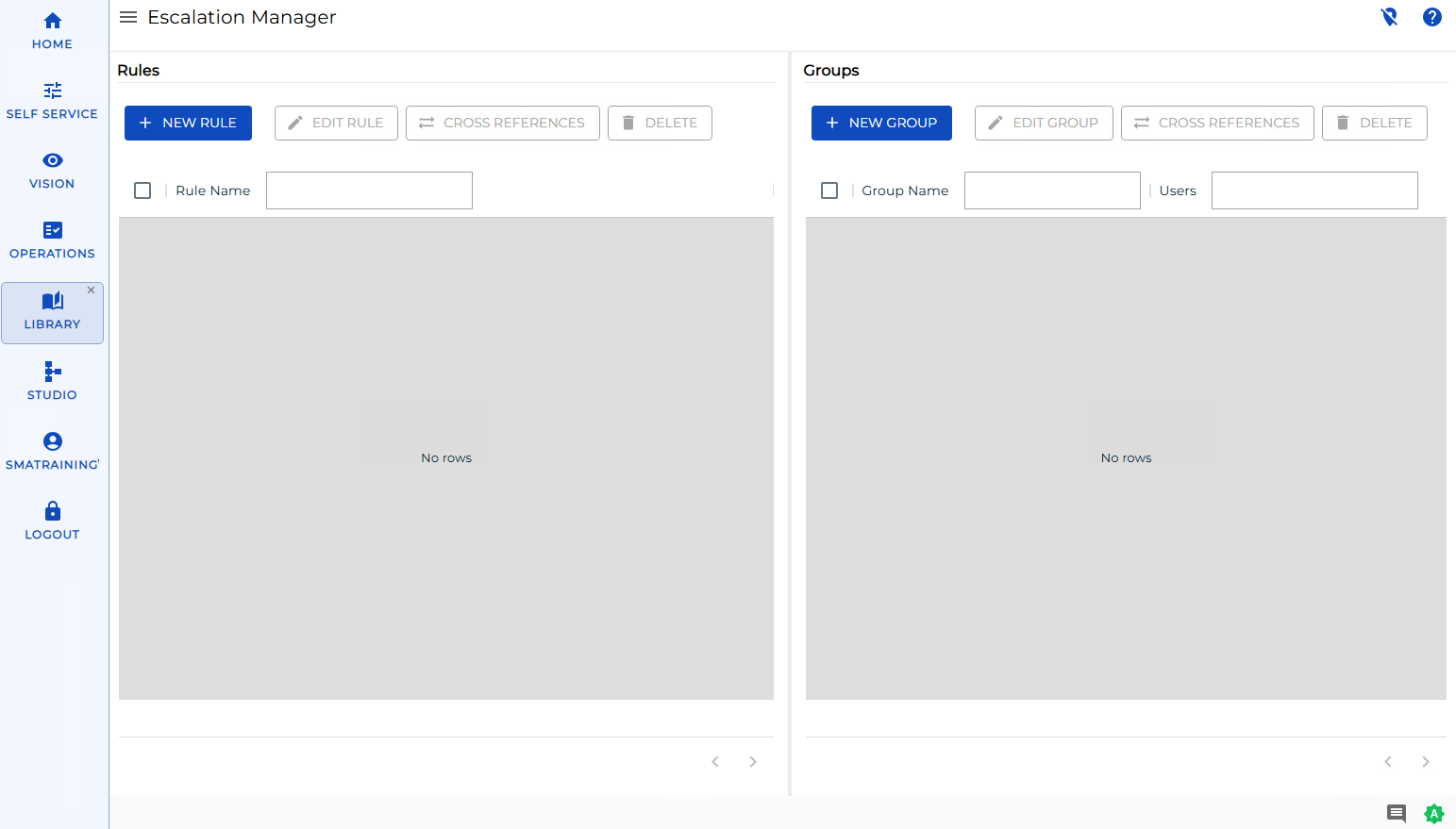
Use the bar on the left side of the screen to switch between Rules and Groups.
Use Escalation Manager to:
- Make sure a critical alert is not missed when the first recipient does not respond
- Set up an on-call notification chain that widens to more people over time
- Manage which users receive escalated notifications and how often they are notified
What Is in This Section?
| Page | Description |
|---|---|
| Managing Escalation Rules | Add, edit, delete, and check cross-references for the rules that set escalation timing and sequence |
| Managing Escalation Groups | Add, edit, delete, and check cross-references for the recipient groups used in escalation rules |
At least one escalation group must exist before you can create an escalation rule.
FAQs
Q: Where do you find Escalation Manager in OpCon?
You can manage escalations in Solution Manager or in Enterprise Manager.
Q: What is the difference between an escalation rule and an escalation group?
An escalation rule sets the timing and the order in which recipients are notified. An escalation group is a named set of users that a rule notifies. A rule references one or more groups through its sequences.
Q: Who can manage escalations in OpCon?
Users with the appropriate privileges assigned through their role can manage escalation rules and groups. Contact your OpCon system administrator if you do not have access.
Glossary
| Term | Definition |
|---|---|
| Escalation | A notification mechanism that re-sends or redirects an alert when it is not acknowledged within a defined time period. |
| Escalation Rule | A definition that sets the timing and ordered sequence of escalation notifications. Each rule contains one or more sequences. |
| Escalation Group | A named set of users (and token users) that an escalation rule notifies. |
| Enterprise Manager (EM) | OpCon's graphical user interface for Windows and Linux, used to define schedules and jobs, manage automation data, and perform operational tasks. |
| Solution Manager (SM) | OpCon's browser-based interface for managing automation data, performing operational actions, and administering the system. |