User General
Theme: Configure
Who Is It For? System Administrator, Automation Engineer
What Is It?
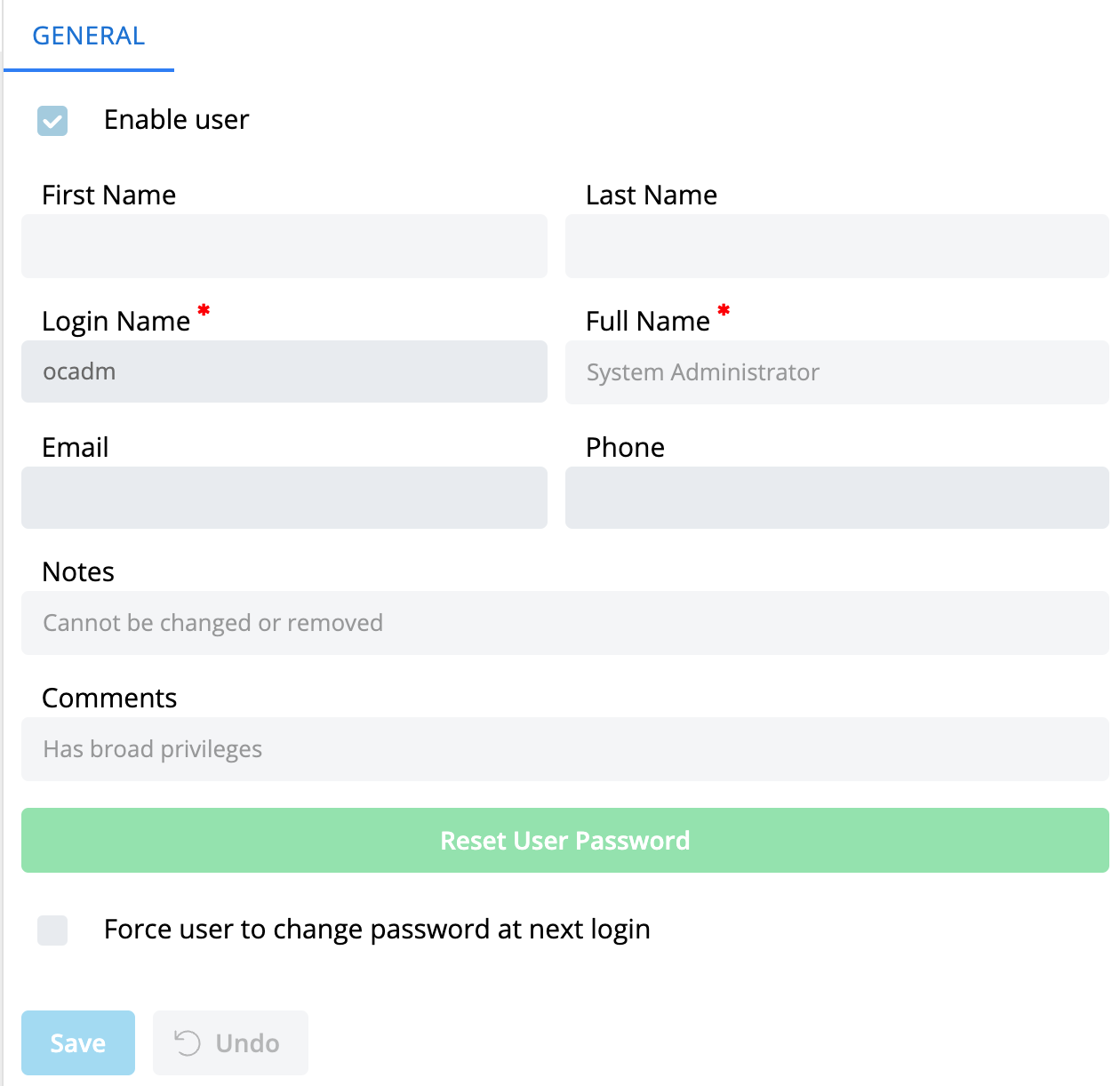
The Users page is found in Library > Access Management > Users. The General tab displays general information about the selected user and provides a Reset User Password button to reset the user's password and optionally copy it to the clipboard.
Email is required if Server Options -> Security -> "Ask user to enter a recovery email address upon login" is enabled.
To modify a user, edit the preferred fields and select Save.
For more information see:
For conceptual help, see:
FAQs
Q: What does User General do?
title: Users - General
Q: Where can you find User General in OpCon?
Access User General through the appropriate section in the Enterprise Manager or Solution Manager navigation.
Glossary
Enterprise Manager (EM): OpCon's rich client graphical user interface for Windows and Linux, used to define schedules and jobs, manage automation data, and perform operational tasks.
Solution Manager: OpCon's browser-based graphical user interface for managing automation data, performing operational actions, and administering the system.
Resource: A numeric variable in OpCon representing a finite pool. Jobs can be configured to require a set number of resource units to run, limiting concurrent executions and preventing resource contention.
OpCon: Continuous' workflow automation platform. The OpCon server includes the database, SAM and Supporting Services (SAM-SS), and graphical user interfaces. agents installed on target platforms run jobs and report results.