Frequencies and Associated Jobs Report
Theme: Configure
Who Is It For? System Administrator, Automation Engineer
What Is It?
The Frequencies and Associated Jobs Report shows all frequencies with their associated schedules and jobs, sorted by frequency name.
Report data is updated nightly at 2:00 AM.
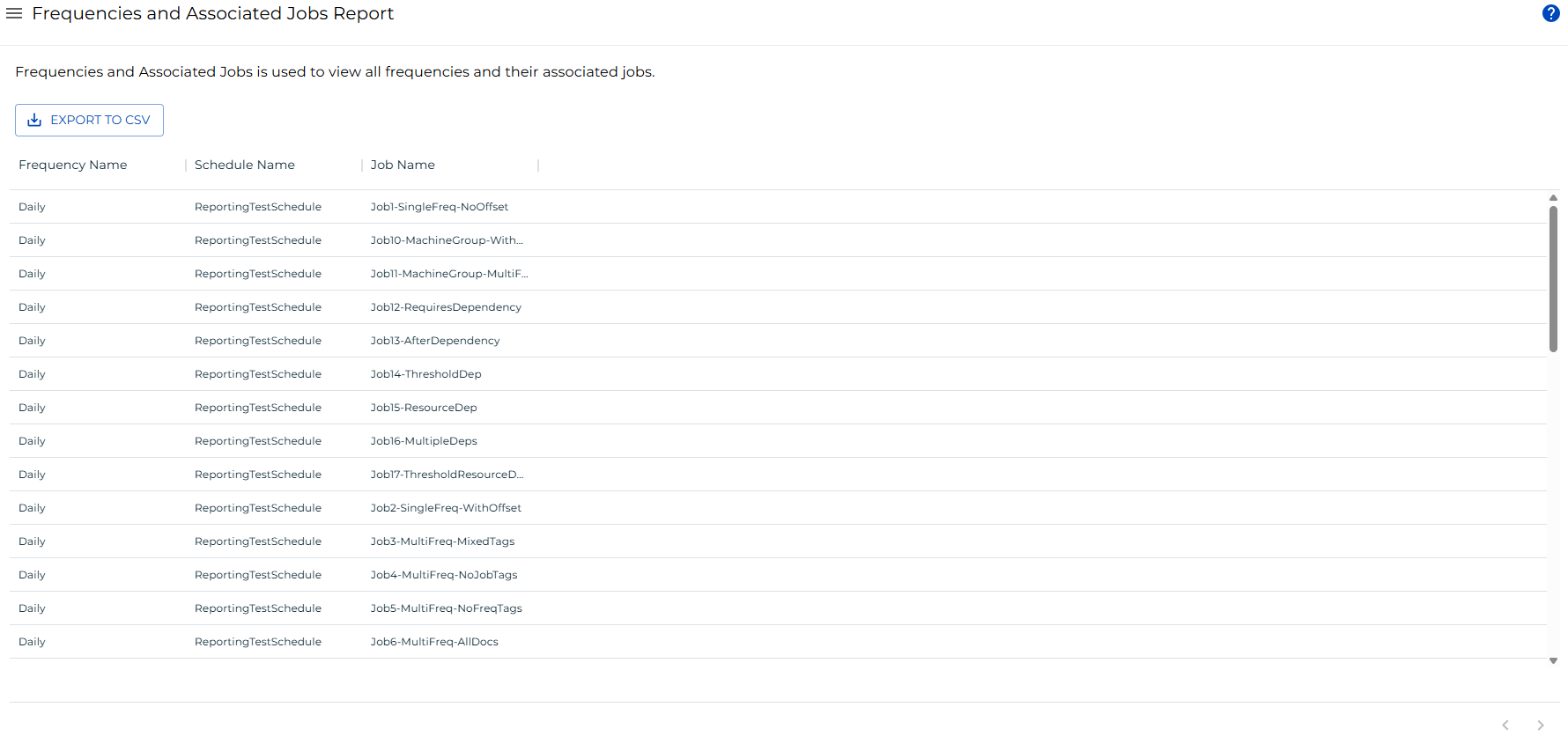
Filtering & Sorting
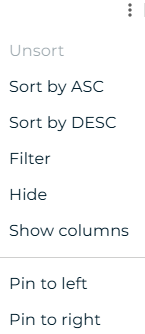
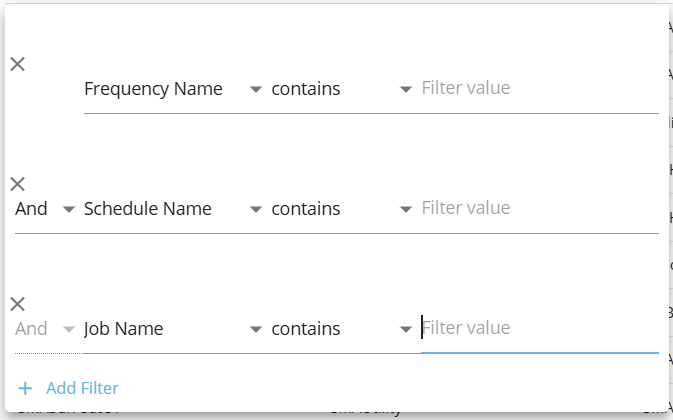
This report provides filters for frequency name, schedule name, and job name. Open the filters panel by selecting the menu (three dots) in any column header and choosing Filter.
Exporting to CSV
Select the export  button to download the report as a CSV. Any active filters are applied to the export.
FAQs
Q: What does Frequencies and Associated Jobs Report do?
The Frequencies and Associated Jobs Report shows all frequencies with their associated schedules and jobs, sorted by frequency name.
Q: Where can you find Frequencies and Associated Jobs Report in OpCon?
Access Frequencies and Associated Jobs Report through the appropriate section in the Enterprise Manager or Solution Manager navigation.
Glossary
Enterprise Manager (EM): OpCon's rich client graphical user interface for Windows and Linux, used to define schedules and jobs, manage automation data, and perform operational tasks.
Solution Manager: OpCon's browser-based graphical user interface for managing automation data, performing operational actions, and administering the system.
Frequency: A set of rules that defines when a job or schedule is eligible to run, based on calendar rules, day-of-week settings, period offsets, and other timing criteria.
Resource: A numeric variable in OpCon representing a finite pool. Jobs can be configured to require a set number of resource units to run, limiting concurrent executions and preventing resource contention.
Schedule: A named container for jobs in OpCon, built for a specific date to create that day's automation. Schedules define build settings, frequencies, and the jobs that run within them.
Job: The fundamental unit of work in OpCon. A job defines what to run, on which machine, when to start, and what conditions must be met. Job results are tracked and can trigger events and notifications.
OpCon: Continuous' workflow automation platform. The OpCon server includes the database, SAM and Supporting Services (SAM-SS), and graphical user interfaces. agents installed on target platforms run jobs and report results.