Annual Plan By Calendar Dates Report
Theme: Configure
Who Is It For? System Administrator, Automation Engineer
What Is It?
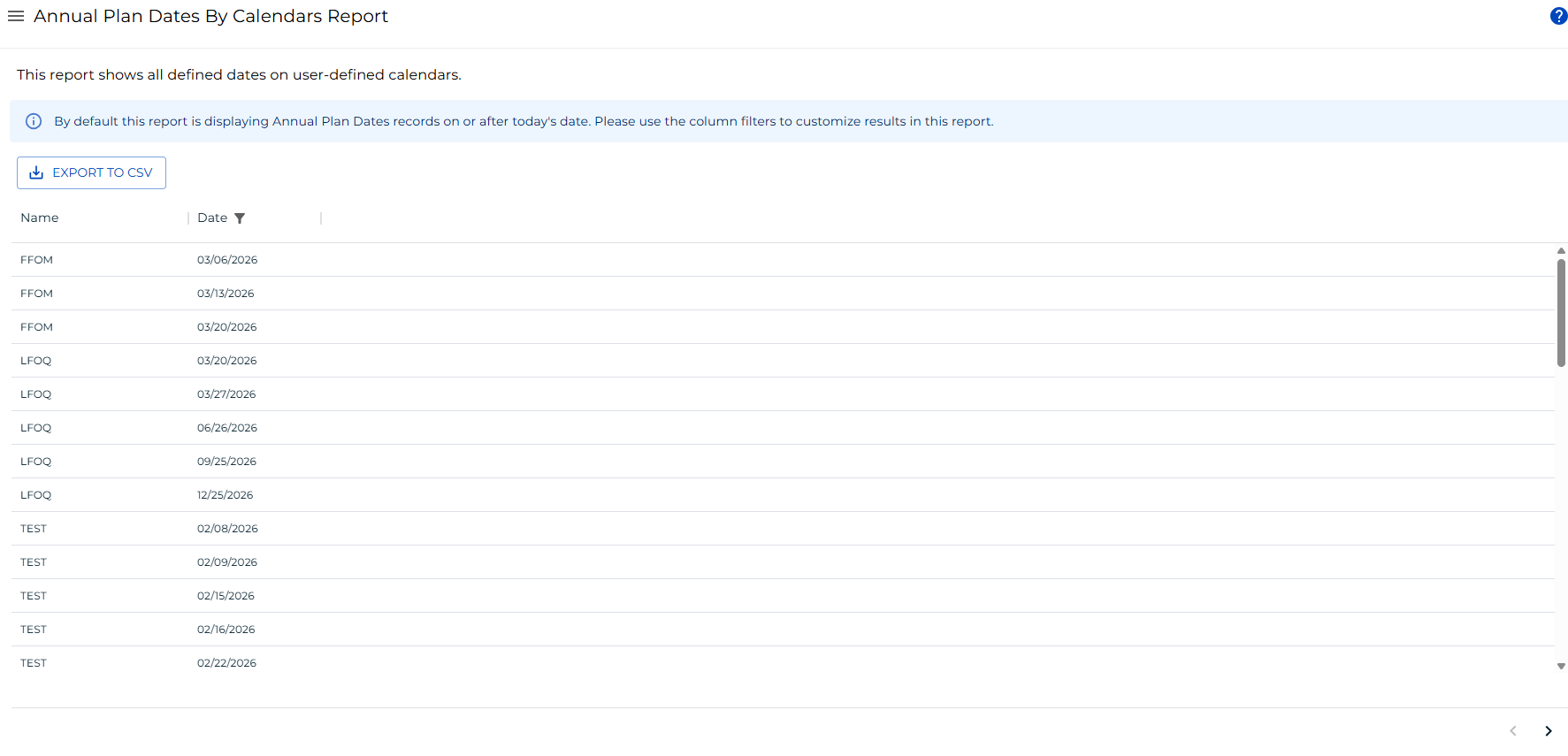
The Annual Plan By Calendar Dates Report shows all defined dates on user-defined calendars.
Report data is updated nightly at 2:00 AM.
This report has a maximum return limit of 100,000 records.
Filtering & Sorting
By default, a schedule date filter is applied to show only dates on or after the current date. You can adjust this or add filters to other columns using the filters panel. Open the filters panel by selecting the filter icon in any column header or by selecting the menu (three dots) in any column header and choosing Filter. The default filter can be adjusted.

Filter Panel showing the default schedule date filter
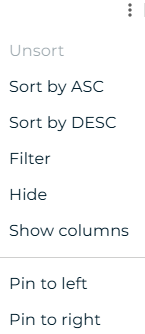
Column menu showing the Filter option
Exporting to CSV
Select the export  button to download the report as a CSV. Any active filters are applied to the export.
FAQs
Q: What does Annual Plan By Calendar Dates Report do?
The Annual Plan By Calendar Dates Report shows all defined dates on user-defined calendars.
Q: Where can you find Annual Plan By Calendar Dates Report in OpCon?
Access Annual Plan By Calendar Dates Report through the appropriate section in the Enterprise Manager or Solution Manager navigation.
Glossary
Enterprise Manager (EM): OpCon's rich client graphical user interface for Windows and Linux, used to define schedules and jobs, manage automation data, and perform operational tasks.
Solution Manager: OpCon's browser-based graphical user interface for managing automation data, performing operational actions, and administering the system.
Calendar: A named collection of dates in OpCon used by schedules and frequencies to determine when automation runs or is excluded. Calendars can represent holidays, working days, or any custom date set.
Resource: A numeric variable in OpCon representing a finite pool. Jobs can be configured to require a set number of resource units to run, limiting concurrent executions and preventing resource contention.
Schedule: A named container for jobs in OpCon, built for a specific date to create that day's automation. Schedules define build settings, frequencies, and the jobs that run within them.
Job: The fundamental unit of work in OpCon. A job defines what to run, on which machine, when to start, and what conditions must be met. Job results are tracked and can trigger events and notifications.
OpCon: Continuous' workflow automation platform. The OpCon server includes the database, SAM and Supporting Services (SAM-SS), and graphical user interfaces. agents installed on target platforms run jobs and report results.