Viewing Job Configuration
Theme: Configure
Who Is It For? System Administrator, Automation Engineer
What Is It?
The Operations module allows you to retrieve the configuration for a job if it:
- is completed or has started
- does not have a status of Waiting, On Hold, Cancelled, Missed Start Time, or Skipped
To view job configuration, complete the following steps:
-
Select the Failed, Running, or Completed operation dial, or use the Quick Search field (type the keyword and press Enter) in the Jobs section on the Operations Summary page
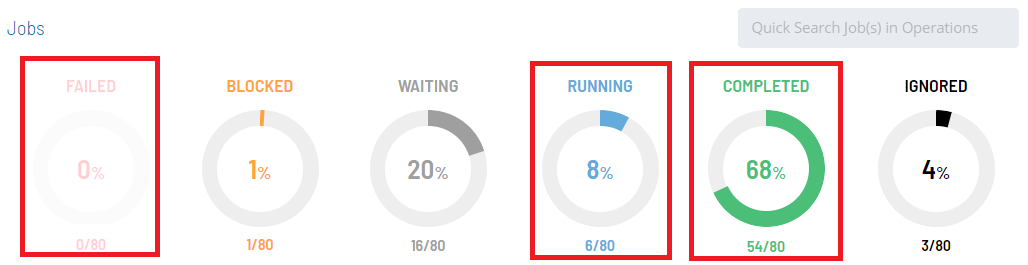
The Processes page will display.
-
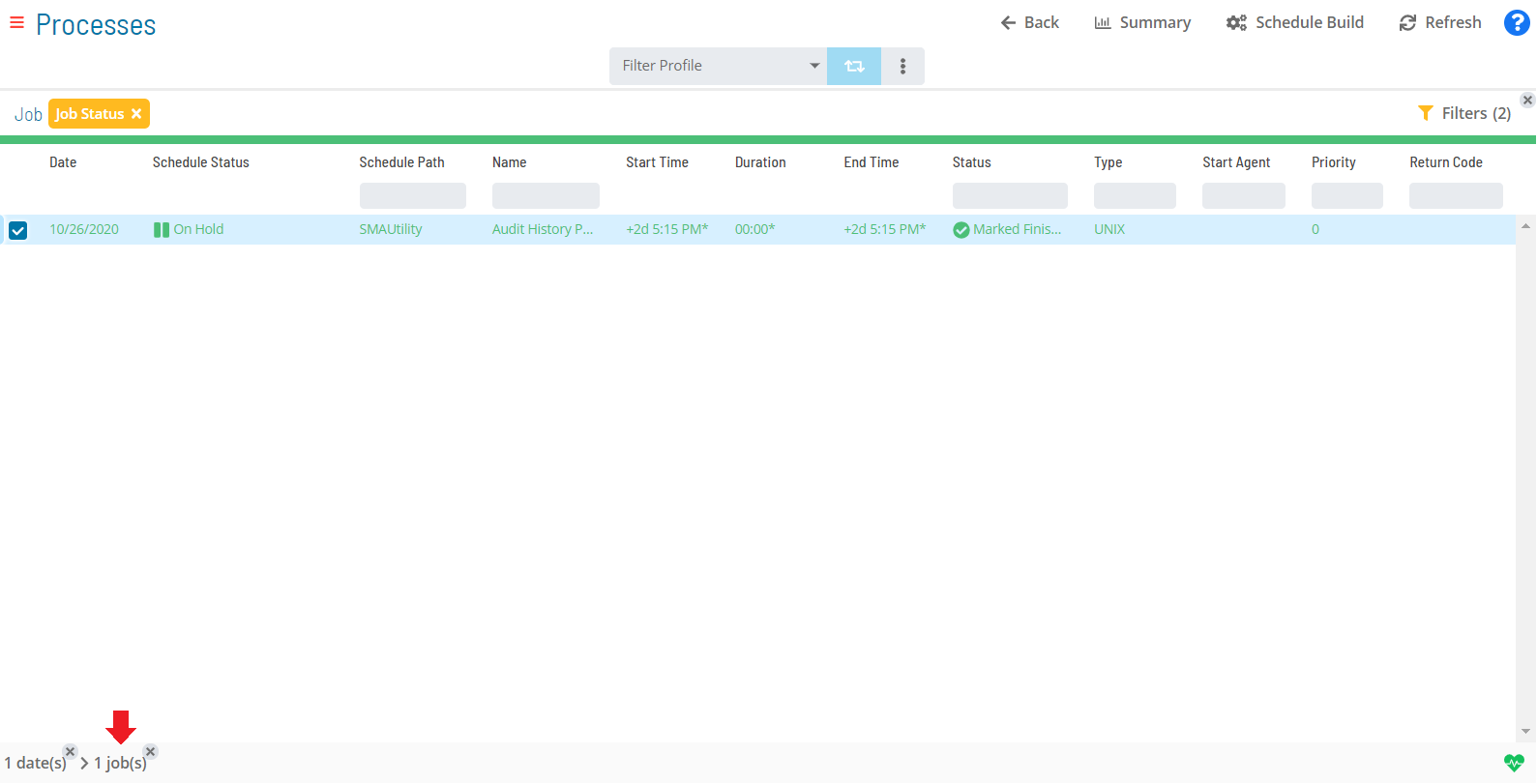
Select one job in the list. Your selection appears in the status bar at the bottom of the page as a breadcrumb trail
-
Select the job record (e.g., 1 job(s)) in the status bar to display the Selection panel
noteAs an alternative, right-click the job in the list to display the Selection panel.
-
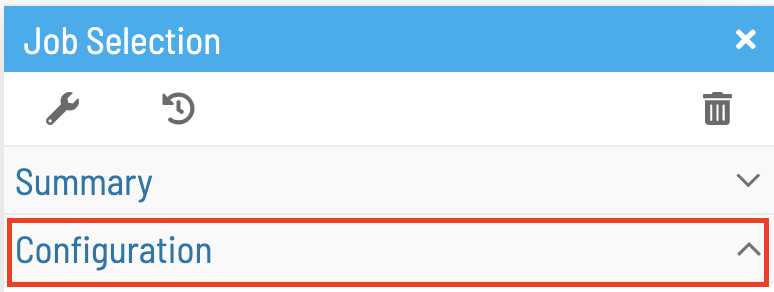
Select the Configuration accordion-style tab in the panel
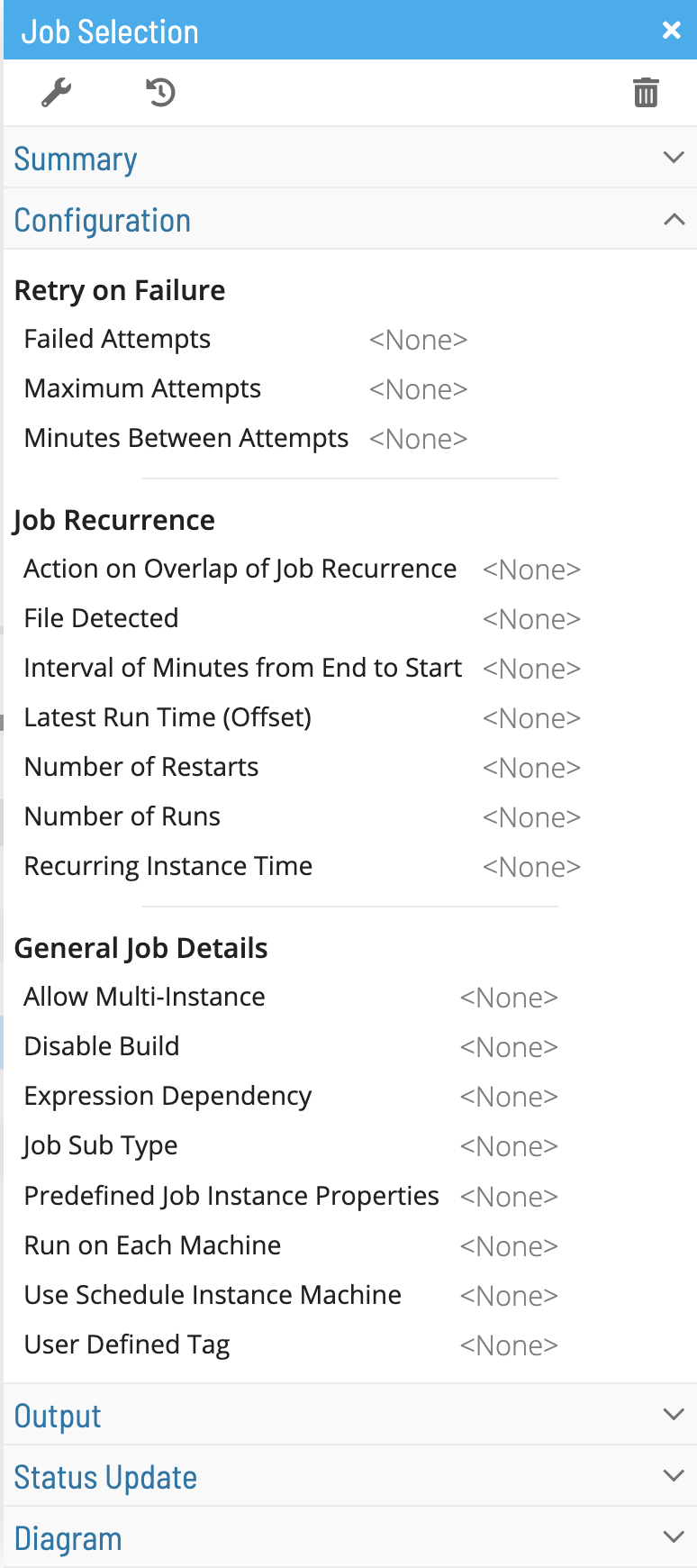
The Configuration tab displays an overarching view of your daily job details, including operations details, manual status changes, job time details, retry and recurrence information, and additional information based on the job type. Fields without a value display <None>. User-defined fields display this icon:

-
Close the Selection panel when done
 Related Topics
- Performing Job Status Changes
- Performing Schedule Status Changes
- Performing Bulk Status Job Updates (Schedule Level)
- Performing Agent Status Updates
- Using PERT View
- Managing Daily Processes
- Viewing Job Output
FAQs
Q: How many steps does the Viewing Job Configuration procedure involve?
The Viewing Job Configuration procedure involves 5 steps. Complete all steps in order and save your changes.
Glossary
Resource: A numeric variable in OpCon representing a finite pool. Jobs can be configured to require a set number of resource units to run, limiting concurrent executions and preventing resource contention.
Schedule: A named container for jobs in OpCon, built for a specific date to create that day's automation. Schedules define build settings, frequencies, and the jobs that run within them.
Job: The fundamental unit of work in OpCon. A job defines what to run, on which machine, when to start, and what conditions must be met. Job results are tracked and can trigger events and notifications.