Daily Job Information Report
The Daily Job Information Report displays job execution details for daily schedule records, including job status, schedule name, Agent name, frequency, scheduled start time, actual start time, actual end time, and latest start time.
By default, this report displays records for the current date. Use the column filters to customize the results shown.
This report has a maximum return limit of 100,000 records.
To open the report, go to Library > Reporting and select Daily Job Information Report from the REPORTS tab.
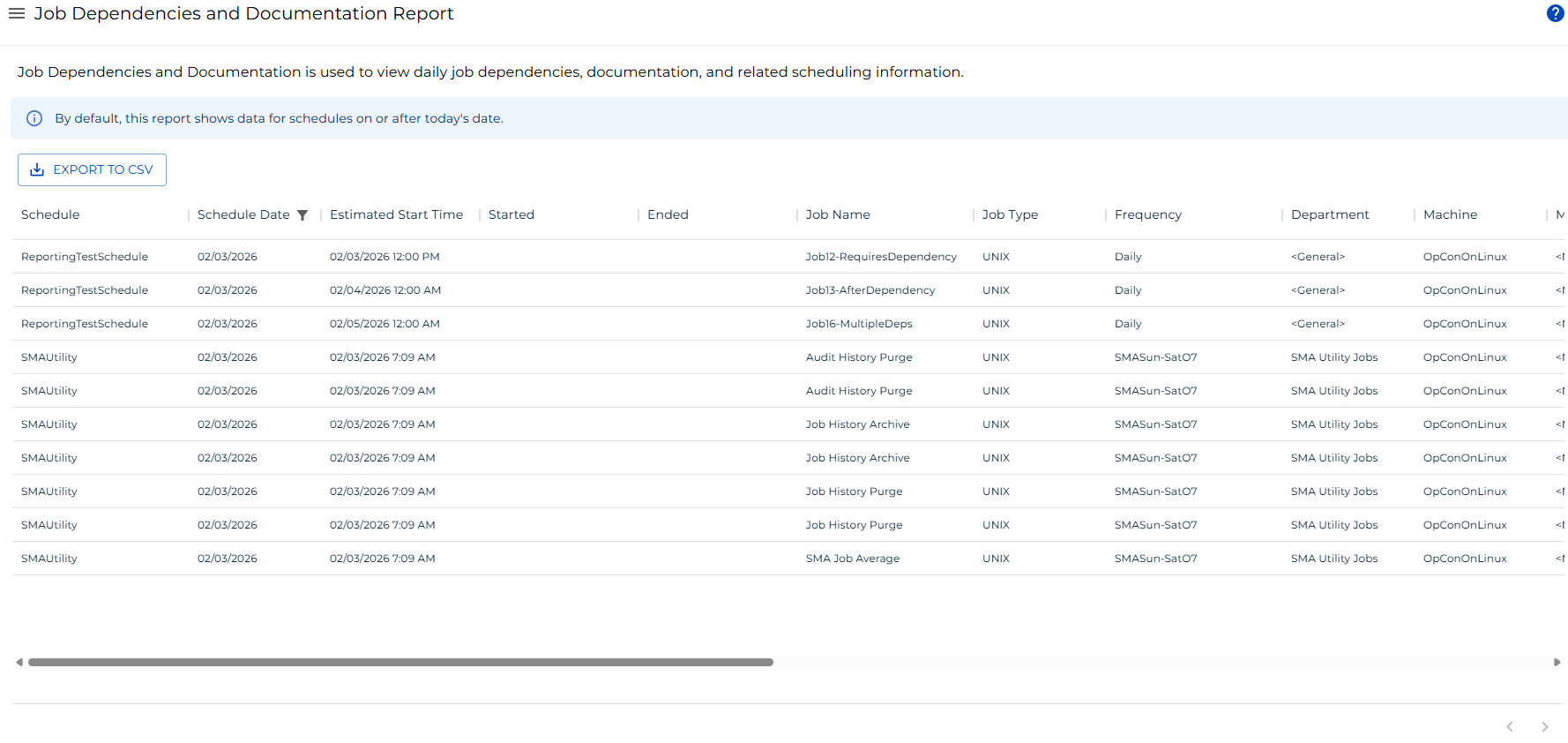
Filter the Report
A schedule date filter is applied by default to show only records on or after the current date. You can adjust this filter or add filters to other columns using the filters panel.
To open the filters panel, do one of the following:
- Select the filter icon in any column header.
- Select the menu button (three dots) in any column header and choose Filter.
The default schedule date filter can be adjusted or removed.

Filter Panel showing the default schedule date filter
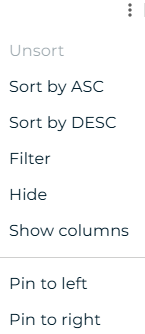
Column menu showing the Filter option
Export to CSV
Select the Export button to download the report as a CSV file. Any active filters are applied to the export.