Event Details by Date Report
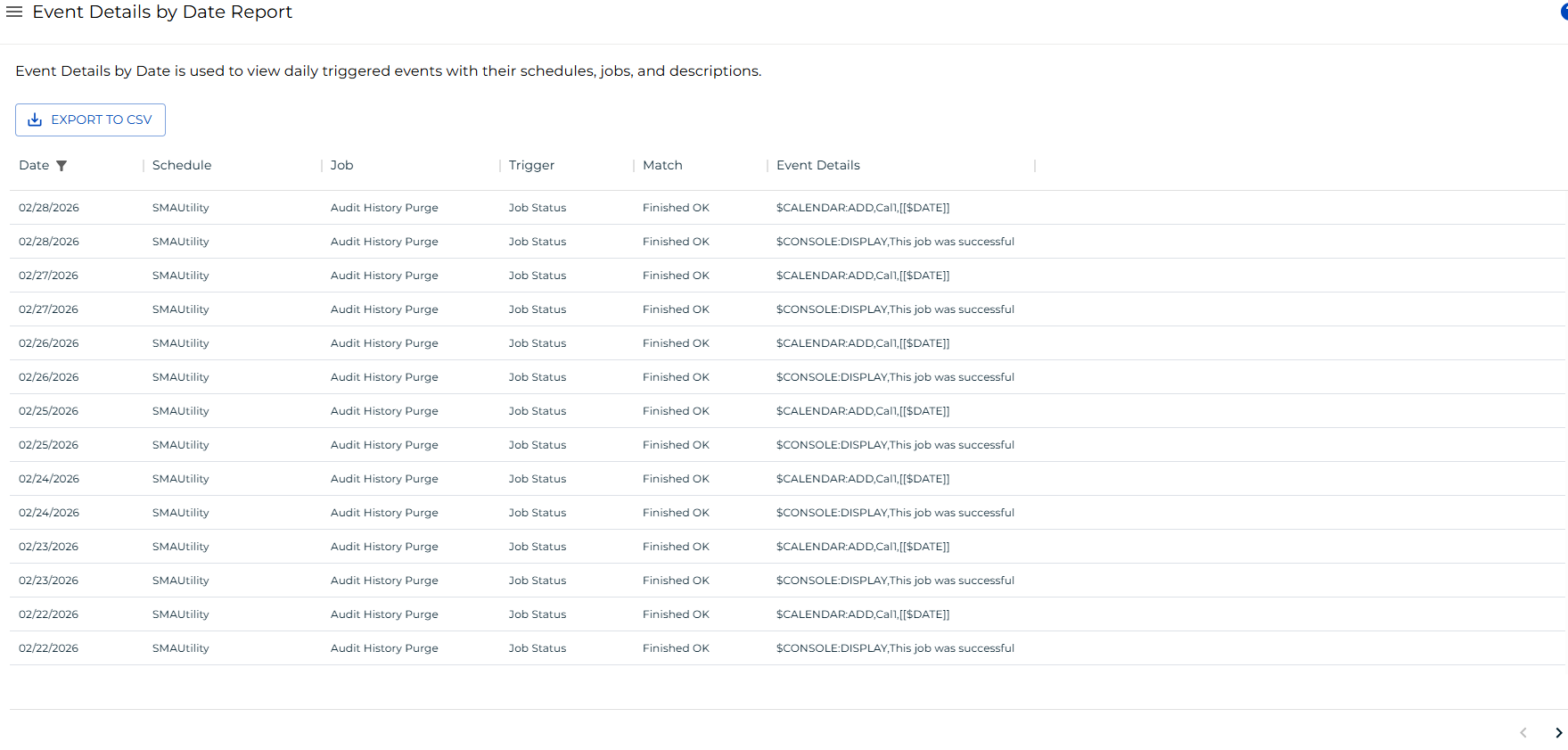
The Event Details by Date Report shows all daily triggered events with their Schedules, Jobs, trigger conditions, match criteria, and event details. Use this report to audit which events fired on a given date and to verify that automation triggers behaved as expected.
Report data is updated nightly at 2:00 AM.
This report has a maximum return limit of 100,000 records.
Report Columns
| Column | Description |
|---|---|
| Date | The Schedule date on which the event was triggered |
| Schedule Name | The name of the Schedule associated with the event |
| Job Name | The name of the Job that triggered the event |
| Trigger | The condition (such as Job Status) that caused the event to fire |
| Match | The feedback value matched to evaluate the trigger condition |
| Event Details | The full event definition that was sent when the trigger fired |
Filtering and Sorting
A Schedule date filter is applied by default to show only dates on or after the current date. You can adjust this or add filters to other columns using the filters panel. Open the filters panel by selecting the filter icon in the header, selecting any column with an active filter, or selecting the menu button (three dots) in any column header and choosing Filter.

Filter Panel showing the default schedule date filter
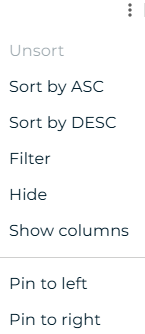
Column menu showing the Filter option
Exporting to CSV
Select the Export button to download the report as a CSV file. Any active filters are applied to the export.