Viewing Null Job Details
Theme: Configure
Who Is It For? System Administrator, Automation Engineer
What Is It?
Null job details are only viewable in Daily Job Definition. For more conceptual information, refer to Null Job Details in the Concepts online help.
To view job details:
Select the Processes button at the top-right of the Operations Summary page. The Processes page will display.
Ensure that both the Date and Schedule toggle switches are enabled. Each switch will appear green when enabled.
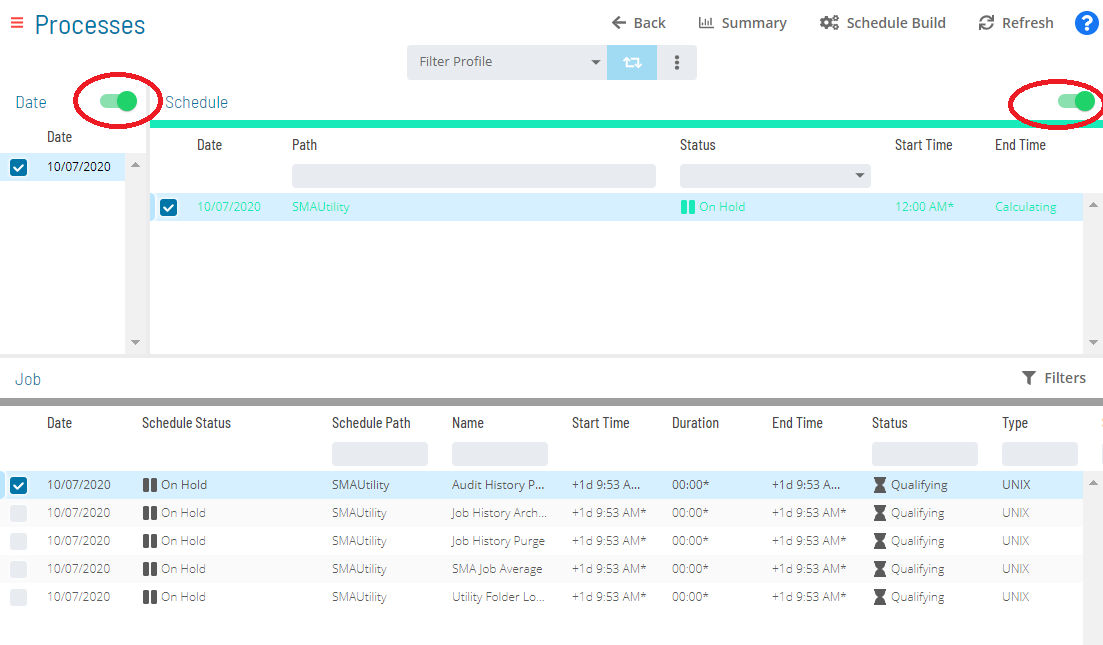
Select the desired date(s) to display the associated schedule(s).
Select one or more schedule(s) in the list.
Select one Null job in the list. A record of your selection will display in the status bar at the bottom of the page in the form of a breadcrumb trail.
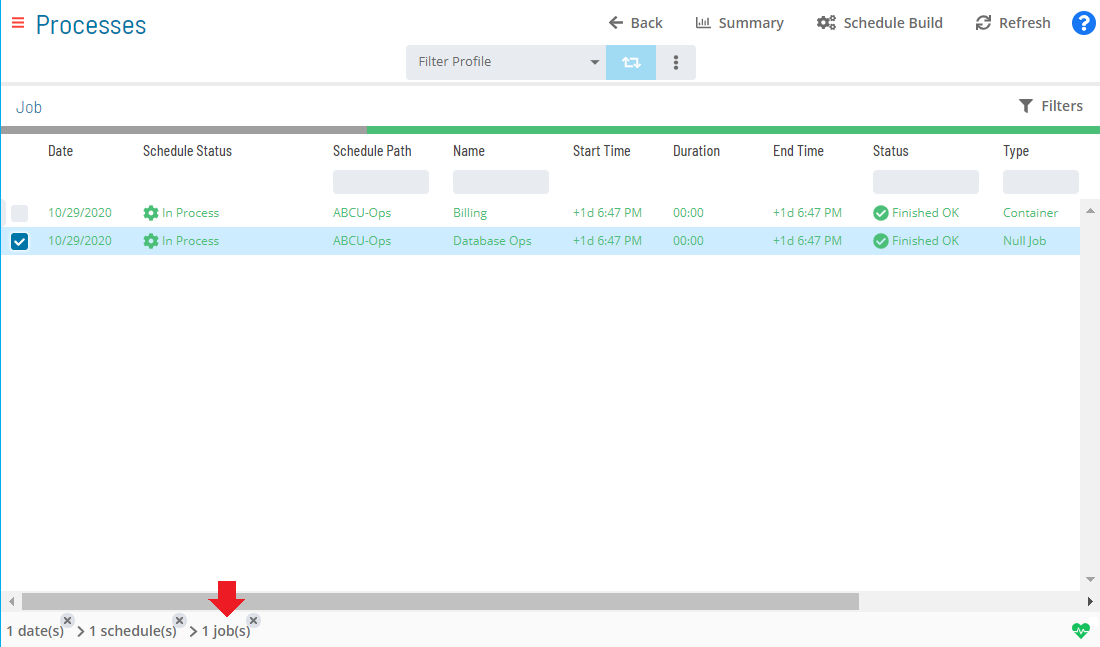
Select on the job record (e.g., 1 job(s)) in the status bar to display the Selection panel.
As an alternative, you can right-click on the job selected in the list to display the Selection panel.
-20fb0feba1d3fef9bfd24bd2fdee29b4.png "Job Summary Tab for Null Jobs")
Select the Daily Job Definition button  at the top-left corner of the panel. By default, this page opens in Read-only mode.
Expand the Task Details panel to view its content. For Null jobs, the following read-only detail is displayed:
- Type: The job type
Configuration Options
| Setting | What It Does | Default | Notes |
|---|---|---|---|
| Type | The job type | — | — |
FAQs
Q: What information does the Null Job Details view display?
The Null Job Details view displays the current state and details for the selected item. Use this view to monitor status and take action as needed.
Glossary
Null Job: A job type that performs no execution on any platform. Null jobs are used to hold dependencies, trigger OpCon events, and keep schedules open after all other jobs complete.
Resource: A numeric variable in OpCon representing a finite pool. Jobs can be configured to require a set number of resource units to run, limiting concurrent executions and preventing resource contention.
Schedule: A named container for jobs in OpCon, built for a specific date to create that day's automation. Schedules define build settings, frequencies, and the jobs that run within them.
Job: The fundamental unit of work in OpCon. A job defines what to run, on which machine, when to start, and what conditions must be met. Job results are tracked and can trigger events and notifications.